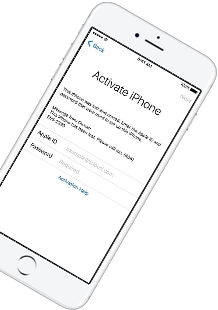
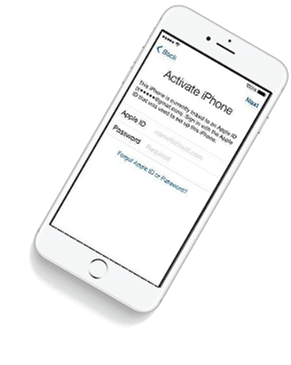
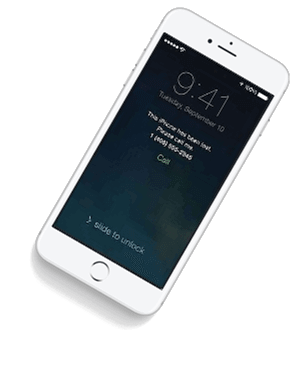
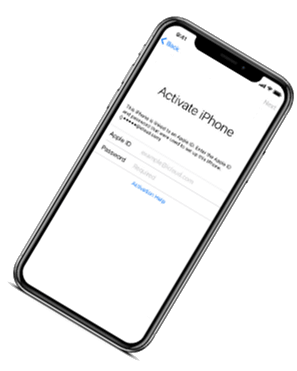
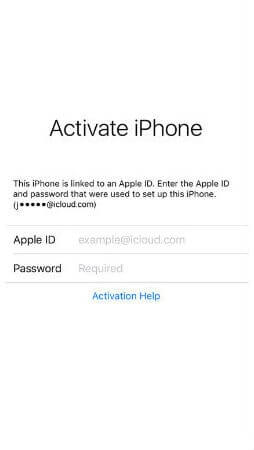
iCloud Spider Officially and Permanently Unlock, Bypass & Remove iCloud Activation Lock on your iPhone 11 Pro / 11 Pro Max, 12 / 12 Mini, 12 Pro / 12 Pro Max, 13 / 13 Mini, 13 Pro / 13 Pro Max, 14 / 14 Plus, 14 Pro / 14 Pro Max, 11, 11 Pro, X, 8, 8 Plus, 7 Plus, 7, 6S Plus, 6S, 6, SE, 5S, 5C, 5, 4S, 4 and all iPad 4,3,2 Air, Pro and iWatch Versions.
iCloud Spider can be used to remove iCloud Lock permanently from your device without the fear of being locked again.
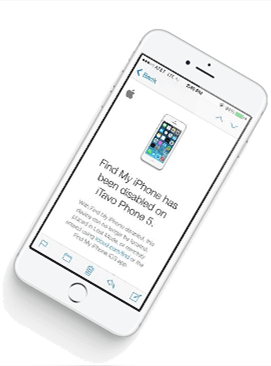
No matter who is previous owner of the iPhone, iCloud Spider will just disable "Fiand My Phone" feature from the device.
iCloud Spider use built-in proxies and private servers and data enctyption to unlock your device so you no traces are left.
You can easily update your device's iOS version without any problem after unloking it with the iCloud Spider.
With iCloud Spider you have the flexibility to unlock your device either via USB or by using your phone IMEI number.


If you have forgotten your apple id or you bought a used iPhone from ebay/walmart and the original owner has enabled "Find My Phone" feature accidentally or purposely and you don't know how to contact him or unlock your device then you are on right place.
iCloud Spider will not only help you to unlock your iPhone but it will also remove any icloud activation lock (e.g. Find My Phone) from your device forever.
Unlocking iPhone made easy with iCloud Spider. You don't have to install iCloud Spider on your PC to unlock your iPhone/iPad. Read the instructions below to learn how to use our icloud unlock software.
Download & run iCloud Spider on your PC. (You can unlock just one device by IMEI in free version of iCloud Spider)
Connect your locked iphone/ipad to your pc via usb or type your phone's imei in iCloud Spider and hit the "Unlock This Device" button.
iCloud Spider will permanently unlock your locked iphone/ipad in just few minutes depending on your internet speed.
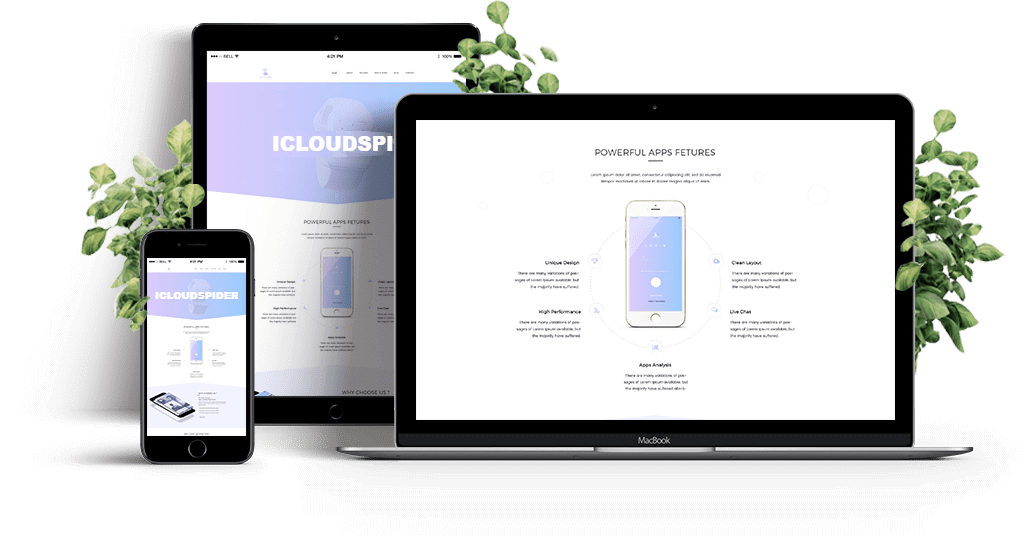
iCloud Spider is multi-devices & multi-OS supported. You can download & use IS(iCloud Spider) on Windows and MAC. iOS and Android version will be added soon.
Use iCloud Spider Web-based Tool: Click Here
Use Online FRP Lock Removal App: Click Here
See the working of our icloud unlocker tool below. It's easy to unlock any iPhone/iPad within seconds.
Unlock any iCloud locked device with the ease of our iCloud activation lock removal software at very affordable prices.
Zero manual configuration. Auto-updates. Cons: Slightly slower launch because of the launcher overhead.
F:\ArduinoPortableData
Run the IDE on school, work, or library computers where you do not have administrator privileges.
Because the entire environment is a folder, you can use Git or simple ZIP archives to snapshot your IDE, boards, and libraries. Before a risky library update: arduino ide 2 portable
USB 2.0 drives are slow. Compiling large ESP32 code will be painful. To optimize:
To maintain a fast and reliable portable development setup, keep these tips in mind:
sketchbook (This will hold your custom sketches and downloaded libraries) Your file structure should look like this: Zero manual configuration
The (not the installer) of the latest Arduino IDE 2. Step-by-Step: Creating a Portable Arduino IDE 2 Environment
This public link is valid for 7 days and shares a thread, including any personal information you added. This link or copies made by others cannot be deleted. If you share with third parties, their policies apply. Can’t copy the link right now. Try again later.
This method utilizes a Windows batch file ( .bat ) to temporarily redirect the environment variables that Arduino IDE 2.0 uses to locate its configuration and data directories. Step 1: Download the Correct Version Go to the official Arduino software page. F:\ArduinoPortableData Run the IDE on school, work, or
The Arduino IDE 2 Portable is a highly portable and convenient development environment, and future development is expected to focus on improving performance and adding new features. Some potential areas for future development include:
You can move between a school lab, home desktop, and work laptop without reinstalling boards.
When invoked without this flag, the IDE writes to user-specific global paths. it looks for a subfolder named portable inside its own installation directory. If found, it uses that folder as the root for all configuration, data, and sketch storage.
@echo off SETLOCAL EnableExtensions :: Get the directory of the current batch script SET "PORTABLE_ROOT=%~dp0" :: Define custom data directories inside the USB drive SET "ARDUINO_DATA_DIR=%PORTABLE_ROOT%Data\.arduino15" SET "ARDUINO_USER_DIR=%PORTABLE_ROOT%Data\.arduinoIDE" SET "ARDUINO_SKETCHES=%PORTABLE_ROOT%Data\Sketches" :: Create the directories if they do not exist if not exist "%ARDUINO_DATA_DIR%" mkdir "%ARDUINO_DATA_DIR%" if not exist "%ARDUINO_USER_DIR%" mkdir "%ARDUINO_USER_DIR%" if not exist "%ARDUINO_SKETCHES%" mkdir "%ARDUINO_SKETCHES%" :: Override the global environment paths for the Arduino CLI and IDE SET "USERPROFILE=%PORTABLE_ROOT%Data" SET "APPDATA=%PORTABLE_ROOT%Data\AppData\Roaming" SET "LOCALAPPDATA=%PORTABLE_ROOT%Data\AppData\Local" SET "HOME=%PORTABLE_ROOT%Data" :: Launch the Arduino IDE from the App subfolder start "" "%PORTABLE_ROOT%App\Arduino IDE.exe" Use code with caution. Save the file with the exact name Launch_Portable.bat . Ensure the file extension is .bat and not .bat.txt .
Many corporate or university PCs block writes to Program Files and C:\Users . A portable IDE on an external drive writes entirely to the portable subfolder on that same drive. No administrator privileges are required for installation or runtime.

Zero manual configuration. Auto-updates. Cons: Slightly slower launch because of the launcher overhead.
F:\ArduinoPortableData
Run the IDE on school, work, or library computers where you do not have administrator privileges.
Because the entire environment is a folder, you can use Git or simple ZIP archives to snapshot your IDE, boards, and libraries. Before a risky library update:
USB 2.0 drives are slow. Compiling large ESP32 code will be painful. To optimize:
To maintain a fast and reliable portable development setup, keep these tips in mind:
sketchbook (This will hold your custom sketches and downloaded libraries) Your file structure should look like this:
The (not the installer) of the latest Arduino IDE 2. Step-by-Step: Creating a Portable Arduino IDE 2 Environment
This public link is valid for 7 days and shares a thread, including any personal information you added. This link or copies made by others cannot be deleted. If you share with third parties, their policies apply. Can’t copy the link right now. Try again later.
This method utilizes a Windows batch file ( .bat ) to temporarily redirect the environment variables that Arduino IDE 2.0 uses to locate its configuration and data directories. Step 1: Download the Correct Version Go to the official Arduino software page.
The Arduino IDE 2 Portable is a highly portable and convenient development environment, and future development is expected to focus on improving performance and adding new features. Some potential areas for future development include:
You can move between a school lab, home desktop, and work laptop without reinstalling boards.
When invoked without this flag, the IDE writes to user-specific global paths. it looks for a subfolder named portable inside its own installation directory. If found, it uses that folder as the root for all configuration, data, and sketch storage.
@echo off SETLOCAL EnableExtensions :: Get the directory of the current batch script SET "PORTABLE_ROOT=%~dp0" :: Define custom data directories inside the USB drive SET "ARDUINO_DATA_DIR=%PORTABLE_ROOT%Data\.arduino15" SET "ARDUINO_USER_DIR=%PORTABLE_ROOT%Data\.arduinoIDE" SET "ARDUINO_SKETCHES=%PORTABLE_ROOT%Data\Sketches" :: Create the directories if they do not exist if not exist "%ARDUINO_DATA_DIR%" mkdir "%ARDUINO_DATA_DIR%" if not exist "%ARDUINO_USER_DIR%" mkdir "%ARDUINO_USER_DIR%" if not exist "%ARDUINO_SKETCHES%" mkdir "%ARDUINO_SKETCHES%" :: Override the global environment paths for the Arduino CLI and IDE SET "USERPROFILE=%PORTABLE_ROOT%Data" SET "APPDATA=%PORTABLE_ROOT%Data\AppData\Roaming" SET "LOCALAPPDATA=%PORTABLE_ROOT%Data\AppData\Local" SET "HOME=%PORTABLE_ROOT%Data" :: Launch the Arduino IDE from the App subfolder start "" "%PORTABLE_ROOT%App\Arduino IDE.exe" Use code with caution. Save the file with the exact name Launch_Portable.bat . Ensure the file extension is .bat and not .bat.txt .
Many corporate or university PCs block writes to Program Files and C:\Users . A portable IDE on an external drive writes entirely to the portable subfolder on that same drive. No administrator privileges are required for installation or runtime.
Our developers have now added support for iPad Pro 11.5". So download the latest version of IS to enjoy this feature...
Our developers have now added support for iPad Pro 11.5". So download the latest version of iCloud Spider...
Good News! Android & iOS versions of the iCloud Spider are in beta testing and will be available for free to our existing customers.
Here's the complete list of 25 great hidden iOS 12 features available for your iPhone, iPad and iPod touch.